Designed vs. Declared: How to Document a Design System for AI
A tested take on why description fields and annotations beat designed doc frames when the consumer is an AI agent, not a human.
There’s a quiet assumption baked into a lot of the AI-and-design-systems excitement right now: that if we document our components well, an agent can pick that up and do something useful with it. Generate code, write some valuable markdown files, scaffold a couple of Storybook stories, etc…
I agree with the premise. That’s the whole point of building AI-ready design systems. But “document well” is doing a lot of work in that sentence, and I don’t think we’ve been precise about what it means exactly.
The lens I keep coming back to: if we’re serious about AI optimized workflows, we should treat the design system like an API. Something an agent can query and get clear, declarative data back from. An API doesn’t hand you a picture and ask you to figure out what it meant. It returns structured data with a contract. That’s the expectation.
Once you hold documentation to it, the two kinds we lump together stop looking equivalent.
Designed
Designed documentation is the beautiful version. A literal frame on the canvas. Do/don’t pairs, callout boxes, green checks and red Xs, multi-column layouts, status markers. It’s gorgeous for a human browsing the library.
But here’s what an agent actually receives when it reads that frame: a node tree. Frames, text nodes, vectors, images, auto-layout properties, x/y coordinates.
The meaning is spatial, so the agent has to reconstruct it. A do/don’t pair is two frames near each other with a green and a red accent, and it has to infer they’re contrasting. Reading order is implied by position. A callout is a frame with a colored fill, and it has to guess that’s a callout and not decoration.
I’m not saying it can’t do this work, because I know it can. But there’s real interpretive uncertainty, and it will occasionally guess wrong about what’s content versus example versus chrome. That’s not exactly the type of context we’re counting on. That’s noise it has to filter before it finds the context.
Declared
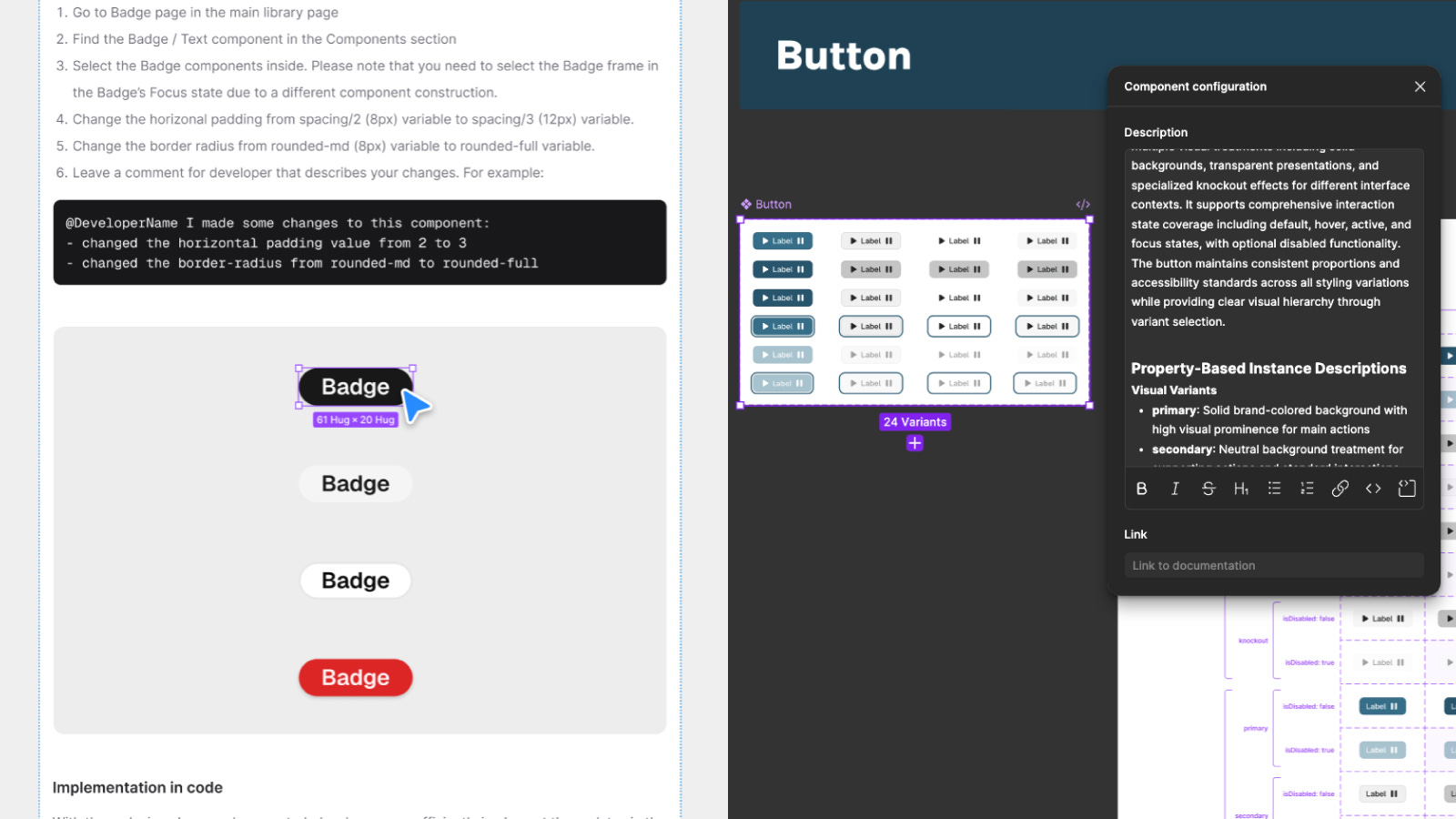
Declared documentation is the description field. When an agent pulls a component description through the API, it gets a single string of markdown or plain text. A heading is a heading because someone wrote ##, not because someone made the text bigger. Lists, links, code blocks all arrive parseable, the same way you’d read a README (or any other markdown).
The semantic intent is declared, not inferred. That’s an API response. You asked the system a question and it gave you structured data back.
That distinction is the whole game. Inferred meaning is where agents get expensive and unreliable. Declared meaning is cheap and correct.
There’s a second reason, and it might matter more than the parsing: description fields live with the component. Rename the variant, the description travels with it. Delete the component, the docs go too. A designed doc frame is a separate artifact that drifts the moment someone touches what it describes. The coupling is the feature.
The obvious objection is fair: models are multimodal now, so why not let the agent just look at the frame? It can, and a screenshot closes part of the gap. But that’s still inference, just from bitmap pixels instead of node spec. And it does nothing for documentation drift. A screenshot is stale the moment the component changes. The AI’s vision patches the reading and parsing problem, but it doesn’t touch the manual maintenance problem of keeping docs in sync with components.
Treat the System Like an API
This is also why treating your system as an API makes it genuinely useful to tools like Company Docs MCP, which can serve declared documentation to any agent that asks. Declared content goes in. A node tree doesn’t.
I’ll be honest that I ran all of this past Claude to check my logic after running a gauntlet of tests. It agreed with me. I know that doesn’t prove anything. But it helped me feel like I wasn’t talking myself into something.
Designed documentation is still the right call for a human. Someone skimming the library wants the visual demonstration a paragraph can’t carry. I’m not arguing you stop making those frames.
But when the consumer is an agent, a frame asks the machine to do interpretive work you could have just declared. Use the description field. Use annotations. Use comments. Give the agent meaning it can read instead of meaning it has to reconstruct.
The teams that get this right won't be the ones with the prettiest doc frames. They'll be the ones whose documentation an agent never has to guess at.